
- Free preview
- Automatic bridges
- Image never uploaded
Stencil Maker
Turn any photo, logo or drawing into a stencil you can cut: automatic bridges so nothing falls out, 1 to 4 layers for spray-paint portraits, and SVG for Cricut, Silhouette and laser cutters.
A photo, a logo, a drawing or a silhouette. High contrast and a plain background make the cleanest stencils.
JPG, PNG or WebP. Your photo stays on this device.
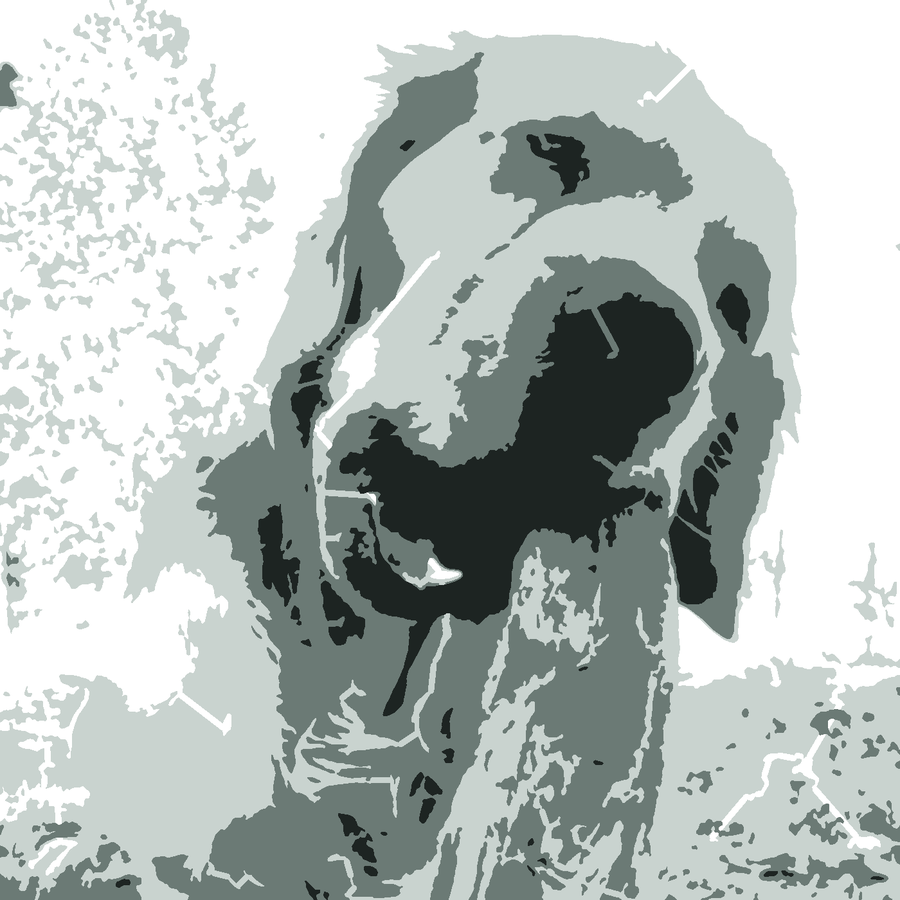
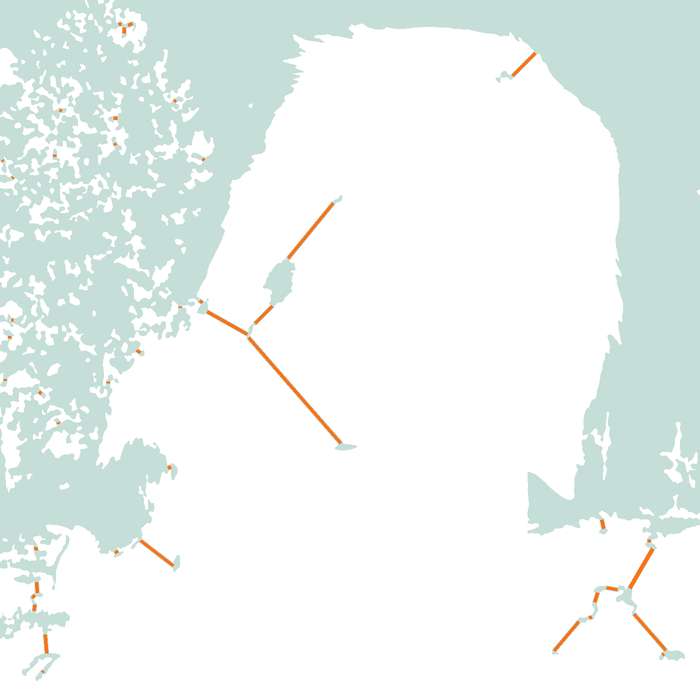
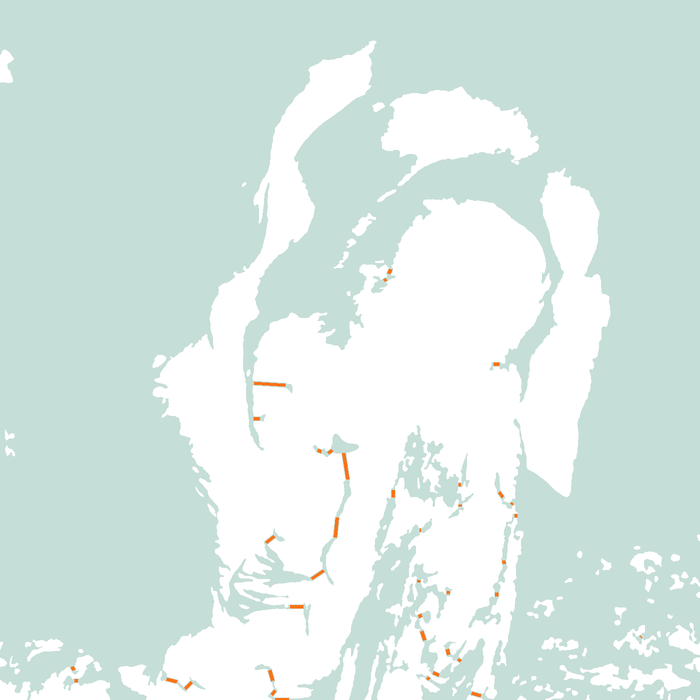
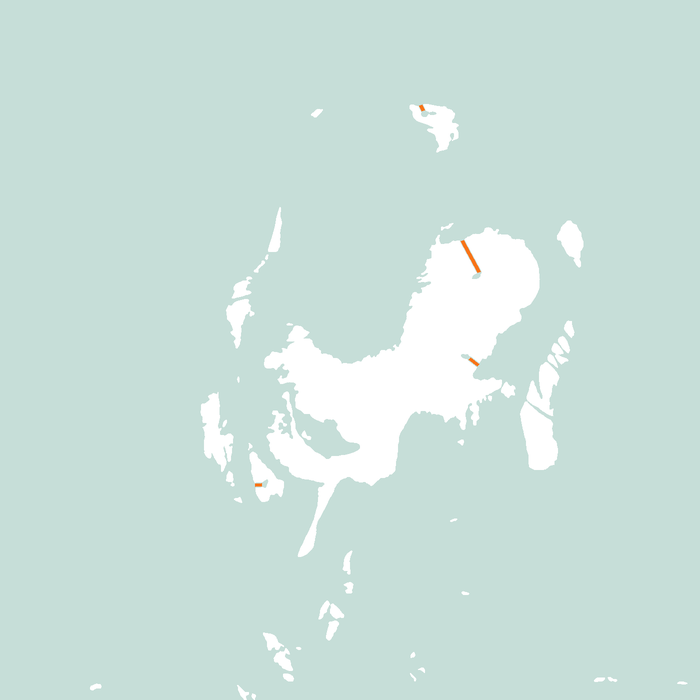
Images turned into stencils
The painted result and the first layer to cut, with its bridges marked in orange.

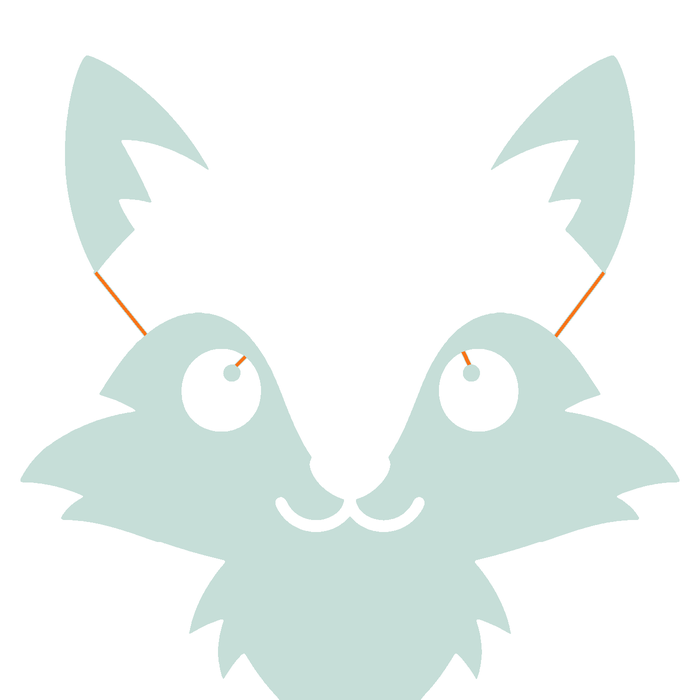
 Two-color graphic2 layers · 6 bridges
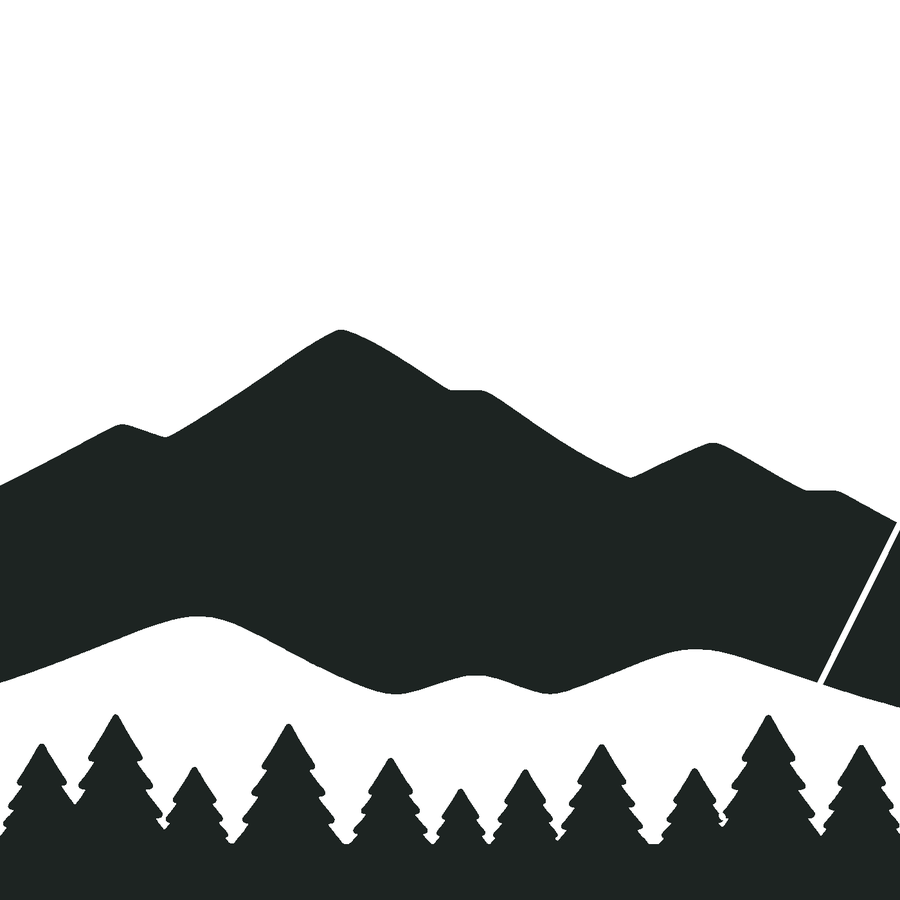
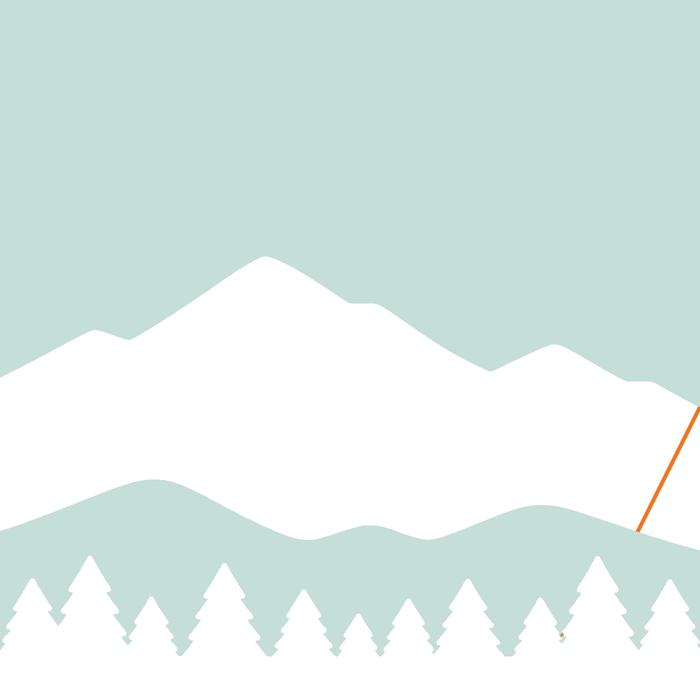
 One-color silhouette1 layer · 2 bridges
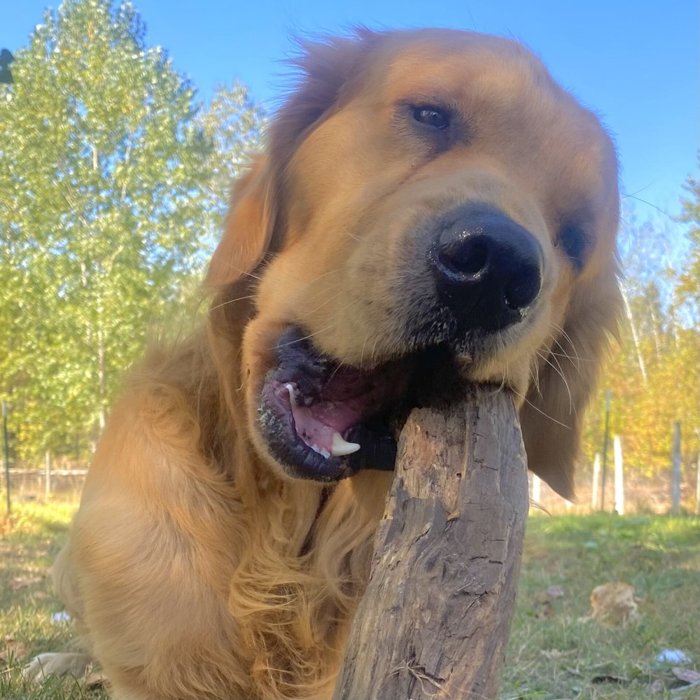 Spray-paint portrait3 layers · 85 bridges
Free to design. Pay only for the files.
No account and no subscription. You see exactly what you're buying before you pay.
- Upload, crop and every setting
- 1 to 4 layers with automatic bridges
- Preview of each layer and the painted result
- A watermarked preview image
- SVG cut file with every layer, at real size
- True-size PDF, tiled across pages for big stencils
- 300 dpi PNG and DXF for laser cutters
- Adjust and download again for 7 days
- Unlimited stencils for 30 days
- SVG, PDF, PNG and DXF
- Every layer and size
- Doesn't renew. No subscription
From image to stencil in three steps
- 1
Upload an image
A photo, a pet, a logo or a drawing. Crop to the part you want on the stencil.
- 2
Choose layers and bridges
One color for silhouettes and logos, or 2 to 4 layers for shaded spray-paint portraits. Bridges are added where pieces would fall out, and you can see each one.
- 3
Cut and paint
Download an SVG with every layer for your cutting machine, a true-size PDF to print and cut by hand, or PNG and DXF files.
Why stencils need bridges
Cut the letter O out of a sheet and its middle falls out: the paint then fills a solid circle instead of a ring. The same happens to eyes, windows, the gaps in a logo and every enclosed shape in a photo.
Bridges are thin strips of sheet left in place to hold those pieces. This stencil maker finds every piece that would fall out and connects it to the rest of the sheet with the shortest possible bridge, at the width you choose. Each bridge is marked in orange in the preview so you can see where they are, and the stencil is guaranteed to come out as one piece.
Wider bridges are sturdier (good for paper, cardstock and reuse); narrower ones show less in the painted result (good for mylar and vinyl). 1 to 2 mm suits most stencils.
One color or multi-layer stencils
| Layers | Good for | How to paint |
|---|---|---|
| 1 color | Silhouettes, logos, lettering, signs | One coat of one color |
| 2 colors | Bold graphics, pets, posters | Light layer, then dark |
| 3 to 4 colors | Spray-paint portraits with shading | Lightest first, darkest last |
Multi-layer stencils are cumulative: the first layer opens up everything that gets paint, and each next layer only the darker parts. Spray them in order from light to dark, lining them up with the + registration marks in the corners, and the tones build up into a shaded picture.
Cutting your stencil
- Cricut and Silhouette: upload the SVG. It carries its real size in millimetres and keeps each layer as its own group; cut every layer on its own sheet of stencil vinyl, mylar or cardstock.
- Laser cutters: import the SVG or the DXF (in millimetres) into LightBurn, Glowforge, xTool or your CAM software. Mylar, cardboard and thin wood all work.
- By hand: print the PDF at 100%. Large stencils are split across several sheets with overlap strips, cut marks and a map; tape them together, then cut along the edges with a craft knife.
Images that make great stencils
- High contrast and one clear subject: a portrait lit from the side, a pet on a plain background, a logo, a silhouette.
- Crop tight. Busy backgrounds become dozens of small pieces.
- Raise Remove small bits for cleaner cuts; lower Detail for bold, graphic stencils that are quick to cut.
- Use Darkness to move the line between paint and no paint: higher paints more of the picture.
Frequently asked questions
Is the stencil maker free?
You can upload an image, try every setting and see each layer and the painted result for free. The stencil files (SVG cut file with every layer, true-size PDF, PNG and DXF) cost $3.99 for one stencil, or $9.99 for unlimited stencils for 30 days. Both are one-time payments; there's no subscription.
Does it work with Cricut Design Space and Silhouette Studio?
The SVG is a standard file with its real size in millimetres and one group per layer, the kind both programs import. Silhouette Studio needs the Designer Edition or higher to open SVG files; the free edition can use the DXF.
Can I use it with a laser cutter?
Yes. The SVG works in LightBurn, Glowforge and xTool software, and the DXF is in millimetres for CAD and CAM tools. Mylar, cardstock and thin plywood make durable stencils.
What are bridges and do I need them?
Bridges are thin strips that hold enclosed pieces (the middle of an O, eyes, windows) in place so they don't fall out of the stencil. Leave them on for anything you cut; turn them off only if you're using the image another way.
How big can the stencil be?
Up to 48 inches wide. Cutting machines handle as much as their mat allows; for hand cutting, the PDF splits big stencils across several sheets with overlap and a map so you can tape them together.
Is my image uploaded?
No. The stencil is made in your browser, and your image is saved only in this browser so your work is still there if you come back. Use New image to remove it. The only things sent to our server are the checkout request and, after paying, a check that the payment went through.
Can I sell what I make?
Yes, things you make with stencils from your own images or images you have permission to use. Don't make stencils of other people's logos, artwork or photos without permission.
Ready to make your stencil?
Free preview · Automatic bridges · Image never uploaded